We all got caught up in a situation whereby a friend or relative ask us for our phones either for something important or just for fun. But no matter what been the case we all have some little secrets that we don’t want to disclose to anyone or at least not at that moment so we tend to giving them some funny excuses in other not to give them the phone .
But what if i tell you there is a way that you can give them the phone and your secrets or personal informations will be safe without them knowing ? You are wondering how right ?
Yes there is a way you can do that and the funniest part of it all is that, you don’t need any third party app to do it.
The trick is simple, “Screen Pinning” .
How Does It Work ?
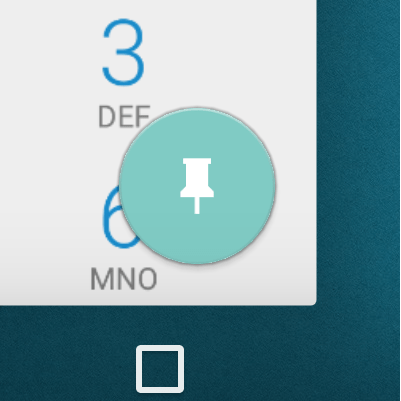
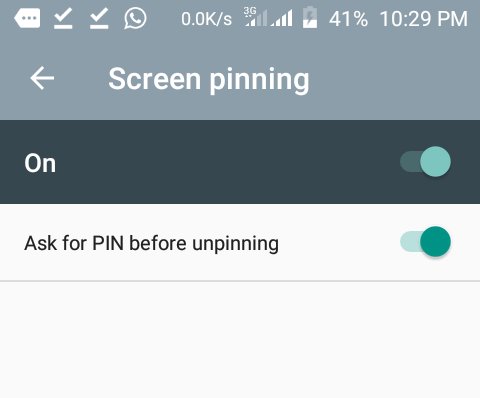
Go to your phone’s setting and scroll through to security and enable screen pinning. Once you are done, lunch the app that your friend or relative wants to use. Then open the overview by tapping the square navigation below the screen. On the window for most used apps, you will see a pin icon at the lower right-hand corner. Tap the pin icon to pin the app to the screen. Simple right ?
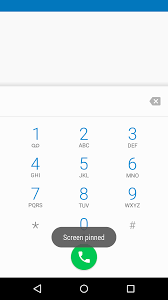
Your secrets will be safe as long as you follow this simple steps before you hand over your phone to them. Before they can see any other thing on your phone, they have to unlock your phone first before they can do that. So go ahead and do your naughty stuffs with your phone as long as you want.
Thanks for reading and follow us for more interesting tricks and hacks.
 Kin's Technology Blog